Working as a team: inviting people, roles, deleting a website
A website belongs to a team, and everybody in the team looks after its websites together. You don't need to share a login: each person signs in with their own.
Your team
Every account has a team of its own from the start, named after its email address. “All teams” in the account menu lists every team you're in, with your role and how many websites and people each has, and leads to each team's page.
Inviting somebody
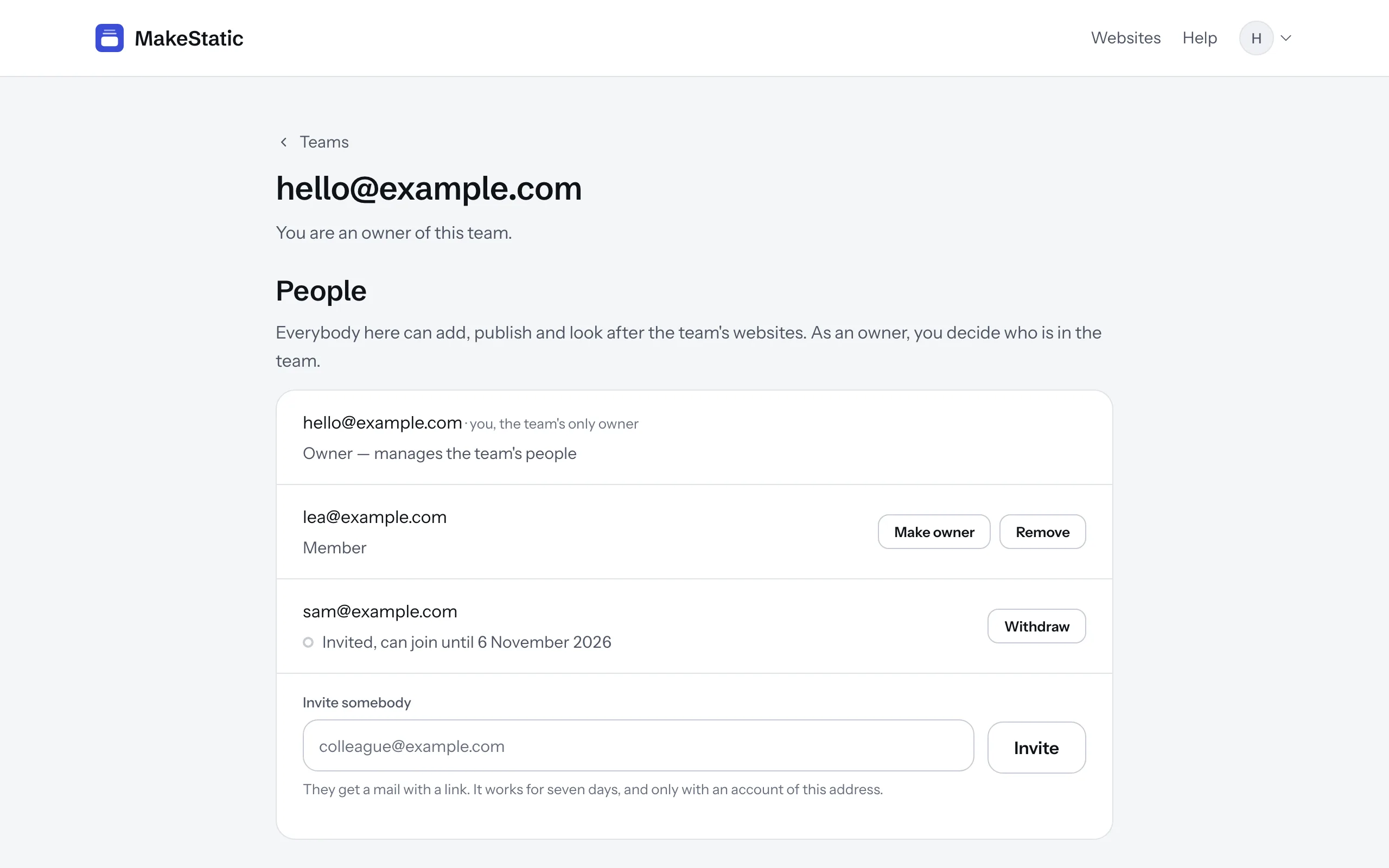
On your team's page, type an email address under “Invite somebody” and press “Invite”. The person gets a mail with a link that works once, for seven days, and only for an account with that address. They sign in, or create an account on the way, and join as a member.
Until they accept, the invitation is listed under “People”, where “Withdraw” takes it back. Inviting the same address again replaces the earlier link.
Owners and members
Everybody in a team, owner or member, adds websites, publishes them and looks after them: the answers under “Needs a server”, who receives the messages, the own domain.
Only an owner decides who is in the team: invites and withdraws invitations, removes people, makes somebody an owner or a member again, and renames the team. A team always keeps an owner, so the last owner can neither leave nor become a member. Somebody who is removed, or leaves, can reach nothing of the team from that moment.
More than one team
Under “All teams”, “Found a team” starts a new one: you're its owner, and it's the team you work in. If you're in several teams, switch between them in the account menu. “Websites” shows the websites of the team you chose, and a website's page opens for everybody in its team, whichever team they chose.
An owner deletes a team that holds no websites with “Delete team” on its page. Your only team always stays.
Deleting a website
An owner finds “Delete website” at the end of a website's “General” tab. Type the website's address as the page names it, then press the button. The copy goes offline at once, with every release, message and answer, and none of it can be brought back. Your original site isn't touched.
If an own domain is connected, the page names the records at your DNS provider that stay there; deleting them is up to you. Afterwards, the copy's MakeStatic address and your own domain both show that nothing is here.