Publishing changes, and seeing what changed
You keep working in your original site, as before. Your visitors see the copy, and the copy changes only when you publish.
Nothing changes on its own
MakeStatic doesn't watch your site, and nothing runs on a schedule. Whatever you change in your original, your visitors see the copy as it was until you press “Publish”. You decide when your public site changes: you can work on a page for days, and publish once it's ready.
What you decided under “Needs a server” also takes effect with the next publish, so publish after you have answered there.
Publishing
Open your website and press “Publish”. MakeStatic copies your site again, every page of it, and checks the new copy. The page shows how far it has got, and you can close it in the meantime.
Until the new copy is finished, your visitors see the one from before. Once it is, it replaces the old one within about a second, all at once, never page by page.
If copying fails
A failed copy changes nothing your visitors see: the copy from before stays online, and your website's page says what happened and why. For example, the address isn't public, your site answered with an error, its certificate isn't valid, or the page didn't load in time. Fix it on your site, then press “Publish” again.
If a page of your site was busy or answered with an error, it is asked again a few times while the rest is copied. If it still fails, the page names it under “Publish status”: check it on your site, and publish again.
What changed: the release log
Under “Releases”, every publish is listed, newest first, with its date and time and what it changed, like “1 page added, 1 page changed” or “Nothing changed”. The copy your visitors see is marked “live”. Open an entry to see the pages it affected, and open a changed page to see which lines of its text came and went.
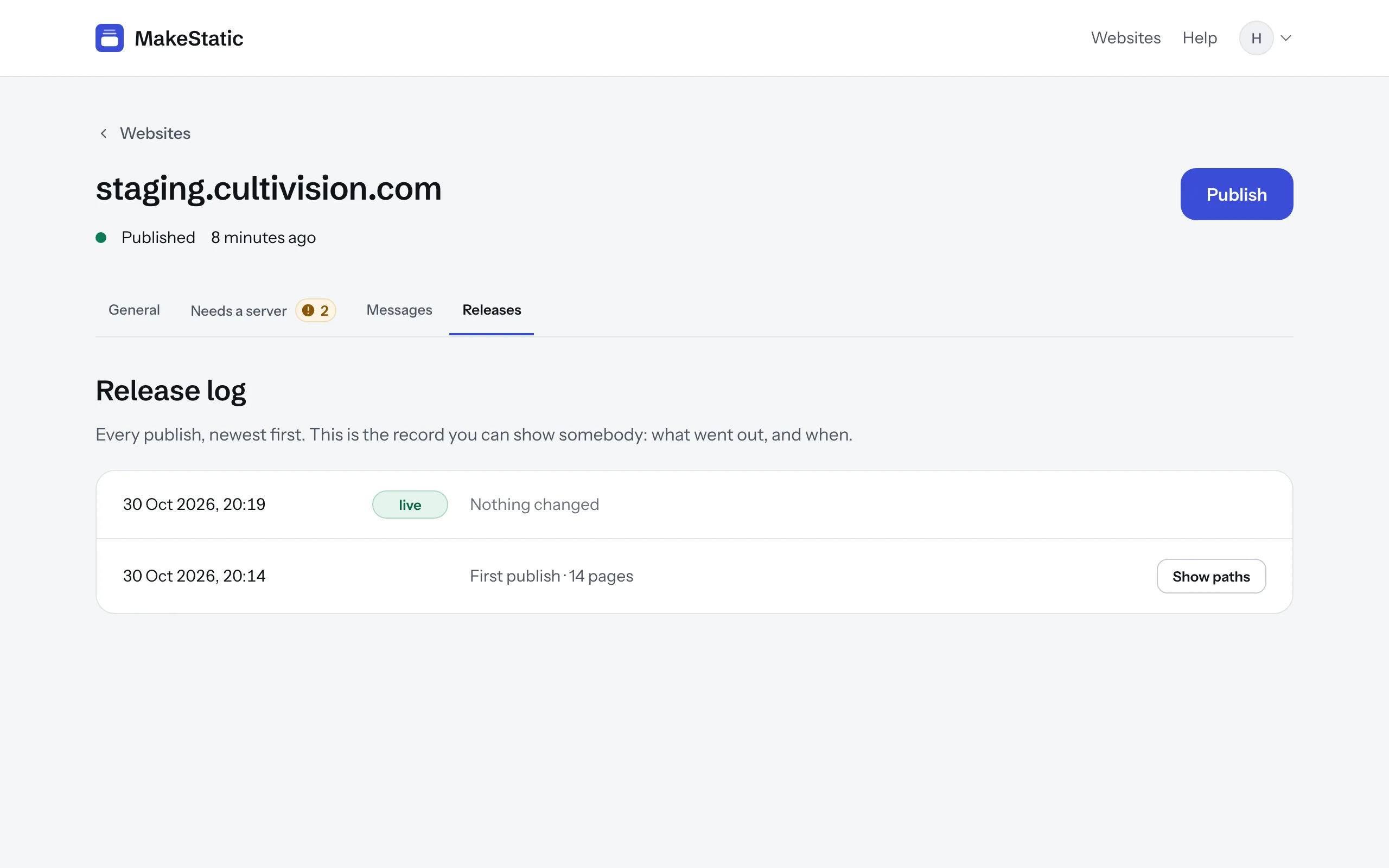
A page counts as changed when its text changed. Pictures, styles and the other files beside the pages are counted on one line, not listed one by one.
The log shows a change once it is published; it doesn't hold anything back. Read it after each publish: a page that changed although nobody worked on it is worth a look on your site.